Thursday, January 12, 2017

Love to Learn, Love to Teach

Abby Stokes from AskAbbyStokes,com
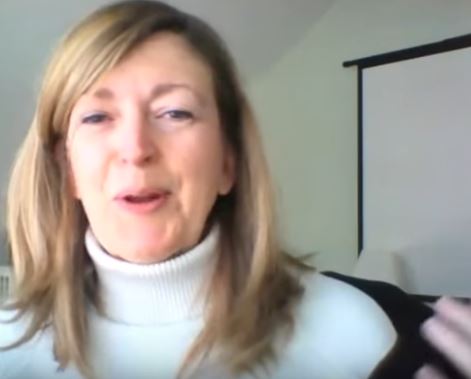
We live streamed episode 105 of our what does this button do show this week. We had Abby Stokes join us from her home in Connecticut while we were in our home studio in Ft Lauderdale. Our topic was how to teach technology to your newbie friends and family. Abby gave us her ten tips for teaching.
We've had Abby on as our guest before and she's a pro. 
The show went well, no technical glitches at all! A couple of viewers left comments that they really enjoyed this topic. I was glad to hear that because I thought it might have been a bit too touchy-feely for our audience. We usually are more technical and how-to in our show. We do a lot of demo. This show was more talking and discussion about how people learn, therefore how to teach them.

I sure enjoyed it. Abby is a kindred spirit, a soul sister! With her on the show I think I was more relaxed than normal. It's surprisingly hard to "just be yourself" when you're on camera and you have an audience you can't see, but with episode 105, and Abby's help, I think I'm getting there. Probably also because it was a topic that really comes from the core of my being! I've been teaching technology to newbies since 1983. Let's see, 2017-1983=34 years. Yikes.
Here's a picture of me in my computer training center at our 10 year anniversary.


I'm so glad we're doing these shows. We love an audience. For the last 12 years we've been getting big audiences at RV rallies but I don't see us doing that forever. The show allows us to stay in front of our audience, from the comfort off our home or rv. AND it gives us reason to continue learning this stuff.

Jim loves it too, but for different reasons! He gets to buy lots of tech toys for the studio. Lights, cameras, microphones, computers. He actually started his geekdom as the A/V guy in high school. Cameras, and broadcasting to the local TV station was what turned him on then, and it still turns him on now!

It just so happens that, the day we web-cast this show was also his birthday! So after we ended the broadcast, we drank our traditional glass of champagne, then I took Jim out to dinner.  We went to Las Pampas Grill in Fort Lauderdale and loved it.

Friday, January 06, 2017

I am a Geek

I think being a Geek means obsessively loving what you do.

I spent the last few days creating our geeksontour.com monthly newsletter.  I've done this every month for ten years. It can be a chore when I'm juggling multiple tasks and just need to get the newsletter out - now! But mostly it is a labor of love.

  • I love that I have an outlet for my passion. 
  • I love that I have readers who ask questions that lead me to discoveries. 
  • I love that I have a partner in this geekdom who indulges me in conversation about all things technology. 
  • I love that I have tools that continually improve and give me new things to learn and new ways to be creative.

Not a Creative

I can't draw to save my life.
A stick figure is a challenge.
I have been known to use this fact to say that I didn't have a creative bone in my body. I've come to realize that creativity isn't just about art.  These last few days of writing the newsletter I've felt like I was bubbling over with creativity.

The weather has been gorgeous, a friend suggested we go kayaking, but I wanted to sit at my computer and play with my photos, using Google photos; create graphic images using Canva, and create green screen videos using Camtasia. The newsletter gives me an excuse to play with all this stuff. There was nothing on the calendar this week so I had time to wallow in my technology.

One article I wrote was about using a USB drive in an iPad. Let me tell you how it came about ...
One of our geeks on tour members recently purchased our learning library on USB drive. it contains hundreds of tutorial videos and lots of documents. Actually lots of people bought these last month because we ran a special :-) but this one member wrote to ask how she could play the videos on her iPad.
How (and where)  can I transfer the tutorials from the flash drive so that they can be viewed on my iPad?  Is this even going to be possible? 
She's not the first person to ask us this. The first one was over a year ago and we just said no, you need a computer for the usb port. The next person to ask was someone last summer after we had just done our weekly button show all about wireless thumb drives. We told them they could buy one of those for about $30, copy everything over and then use that with their iPad. Cool. Jim and I even considered stocking some of those, but we never did.

Third time is a charm. This time we took the question to the hot tub. You know we're getting serious about finding a solution when a question becomes a hot tub conversation! A wireless thumb drive is nice, but isn't there some wireless way to use the drive they already bought from us? How about that HooToo device that we taught about on our show 2 years ago? At the time we used it to backup photos from our phones to a usb drive. Could we stick the thumb drive in there and access it with an iPad?

The idea got us so excited, we cut our hot tub session short in order to try it out. Just kidding, we never cut our hot tub soaks short!

When we did get out and dried off, we started hunting for the HooToo. We turned it on, plugged in our thumb drive, connected an iPad, and played a video. Cool! Now we can tell people Yes! you can play our videos from the thumb drive to your iPad. And not just our thumb drive, whatever you got.
Why had we not thought of this before?

Whatever ... Now it's time to tell the world. So I started writing the article for the newsletter. This really needs a video ... Show Me.

With nothing on the calendar this week, and since we're at home where Jim had set up our always-ready recording studio, I decided to take the time to learn more about how Camtasia works with green screen. It took a day and a half to get the video done, a couple of takes and a lot of editing, but I enjoyed every minute.


Tuesday, January 03, 2017

New Year's Resolution

It may not be quite a resolution,  but I sure do want to post more in this blog.  In December I ordered 3 more years of my blog books from blog2print.com and I love them.  They are beautiful 4 color hard back coffee table books of my life. I now have books for 2004 - 2012. It's noticeable how they keep getting thinner as I write less and less.  I could probably fit 2013-2016 in one book and it will still be smaller than 2004!
I love my Blog Books!
I also have set it up so it's easy to create a post using my phone and just emailing it to the blog.  I wrote about how to do that in an article on geeksontour.com. 

Life has changed a bit this past year because we moved into Mom's townhouse in Fort Lauderdale and are no longer fulltime RVers. We still spent about half the year in the motorhome and loved it as much as ever,  but it feels very different to have a stick and brick home now.  

A walk in closet is such a treat, but I didn't know what to do with it.  When we moved in,  over a year ago now,  I just dumped stuff in there.  I think I was treating it like a storage unit! Yesterday,  New Year's day,  was the day to sort it out. Who knew? A walk in closet is something that you can actually walk into. 

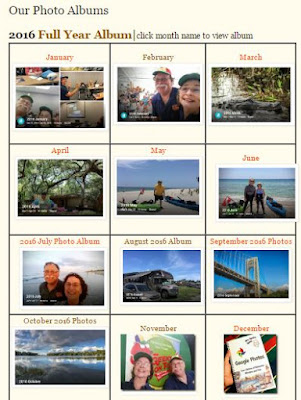
Today I sorted out my online closet of photos!  Check out the "Our Photo Albums" page in the menu above.  All the photos are in Google photos,  but there is no provision to display a group of albums,  so I came up with this design myself.  Google photos allows you to link to individual albums.  I came up with the grid for each month of year,  including a thumbnail picture.  Whaddaya think? 

I created this photo album page for the blog.
Speaking of Google photos,  we ended 2016 with a bang by publishing my Mrs Geek's Guide to Google Photos and promoting it with a launch on our weekly show. We sold nearly 300 copies in all it's formats, setting records for our monthly income!  Merry Christmas to us..


Further your computer education**Subscribe to the Free Geeks on Tour Newsletters**

Watch our Weekly Online Show on Learning Smartphones and Tablets!

Saturday, December 31, 2016

2016 in Review

.I can't remember anything without my pictures. Here is the complete album of 2016.
And, here's the video I made of the album - using YouTube.


And, here's our map:

2016 is the year we transitioned to living in a "stick and brick." It's Mom's townhouse, and it took me a few years to decide what to do with it while she's in assisted living/dementia care. This year we decided! It's really nice, and sure is convenient. The only problem is there is nowhere to park the big RV. This coming year, we might just downsize to a camper van.  All in all, we spent our time about 50/50 between the townhouse and the RV.

Business-wise, we also transitioned a bit. We "pivoted" from focusing on live presentations at RV rallies and computer clubs to our weekly show online. And, we're considering book sales as a more substantial income stream, instead of just a sideline. Our website memberships are still, by far, our primary source of income, but we have high hopes for book sales.

Having Google fly me out to California for the Top Contributors meetup was a highlight for this year. It was only 2 days, but we view it as a turning point. Rather than focusing on teaching RVers, our primary topic is now Google Photos. Google photos is certainly very useful for RVers, but not just RVers. We are broadening our market and narrowing our topics.

We were disappointed that we didn't do any international travel this year, or a dive trip. Our exotic travel was to our back yard with our new hot tub instead! We DO love our hot tub. And, quiet time at home was good for our diet. We'd put on a few pounds since the weight loss a couple years ago. This year we took that off, plus some! At our annual doctor appointments, they are amazed that neither of us are taking any meds. We feel great!

So next year, we've already booked an international trip - Italy in May for Chris to attend Cary Tennis' Writing workshop. And, since we don't have a gig until mid July, we plan to stay in Europe thru June. Jim's ancestors are from Croatia, so we might explore that area a bit. We don't have a dive trip booked yet, but it is considered an essential!


Further your computer education**Subscribe to the Free Geeks on Tour Newsletters**

Watch our Weekly Online Show on Learning Smartphones and Tablets!

Sunday, December 11, 2016

Fwd: Still RVing After All These Years

We are really enjoying the townhouse in Fort Lauderdale, but we still love RVing too. This week we are booked to give a seminar in the Orlando area at central Florida computer society ccfcs.org, so we booked a week at Orlando thousand trails.

It's quiet, beautiful, and nothing to do but work on our projects: Mrs Geek's Guide to Google Photos, and our monthly newsletter. We have a good Verizon internet connection here, so we got a lot of work done.
You can now buy our book, along with a special deal to get our entire learning library on usb drive, for$49. See geeksontour.com/store.

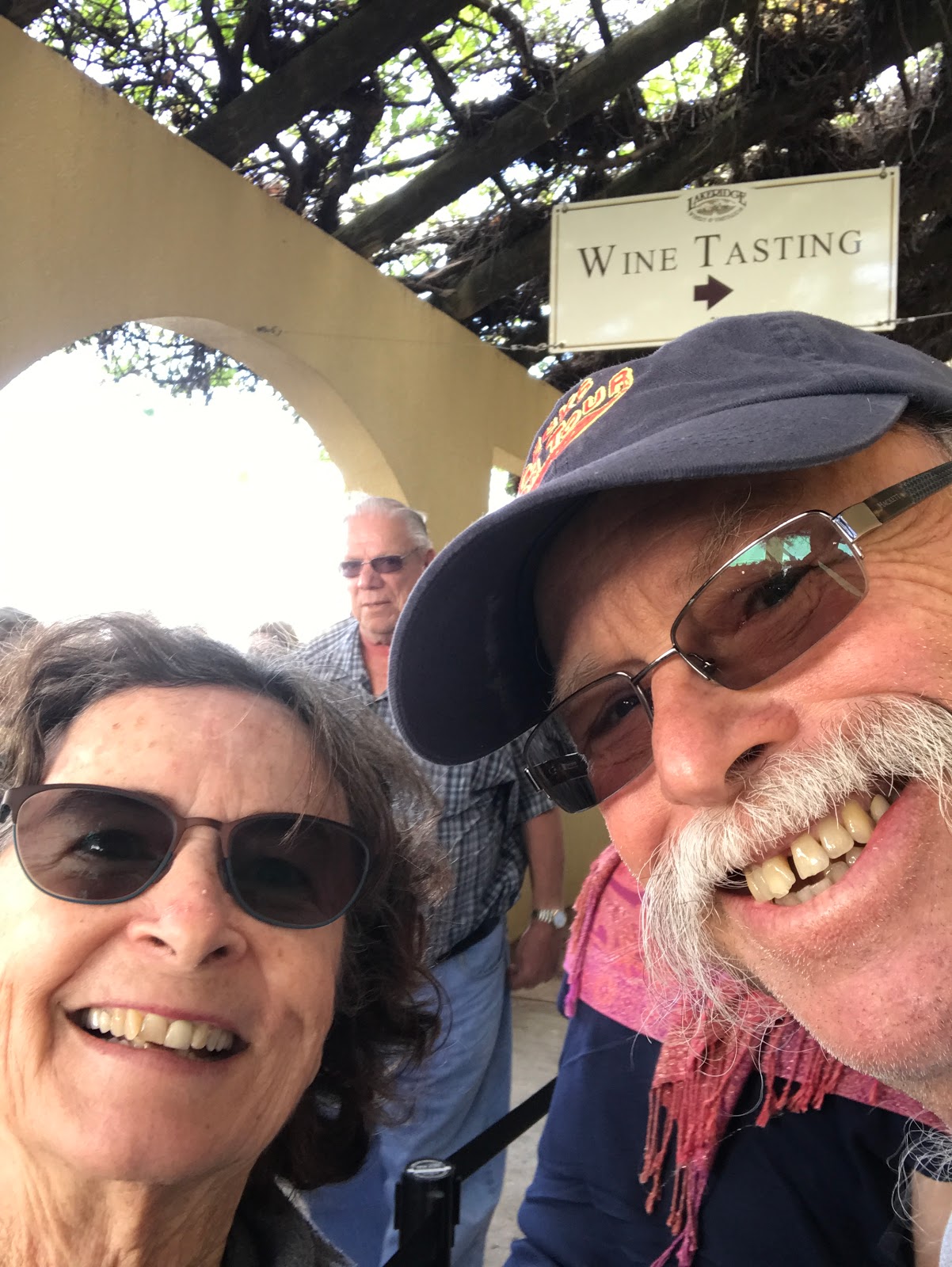
So we took a day off today and went to nearby Lakeridge 🍷. It's been on our list for years. We had no idea today was the wine and chocolate festival! 

Fun.


They did a great job at moving hundreds of people thru the wine and chocolate tasting line. We enjoyed it thoroughly.

And, what a gorgeous day we had! 
With music! 

And, just fyi, I created this post just by writing an email to my blog and sending. I wrote about how to do this in our latest newsletter. Unfortunately, the email posting process is limited in the amount of photos that can be included. The maximum size for all photos is 10MB, meaning about 3 pictures. So I still need to come in to the Blogger.com interface to add more. It still helps a lot to compose the post using my phone and email.